 Bestseller
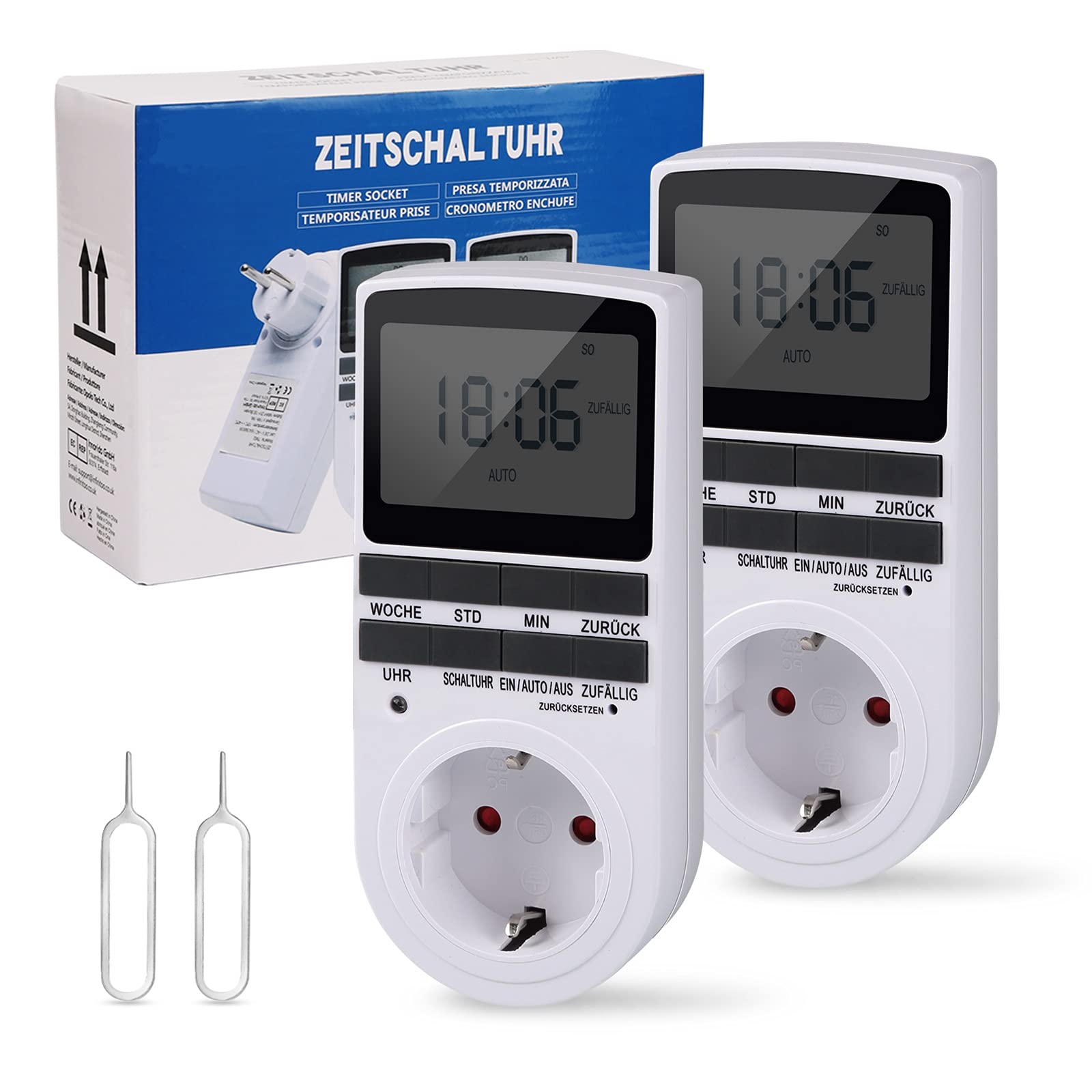
Digital Timer Socket - 2-Pack
★★★★★ 4.6 · 981 ratings on Amazon.de
German menu · 10 programs · 7-day / 24-h scheduling
View details →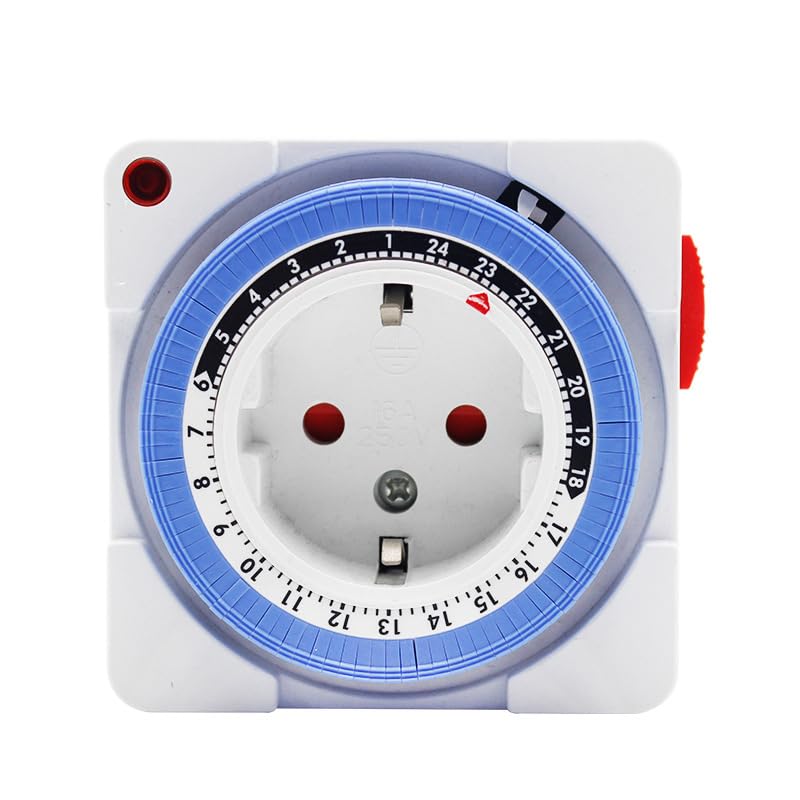
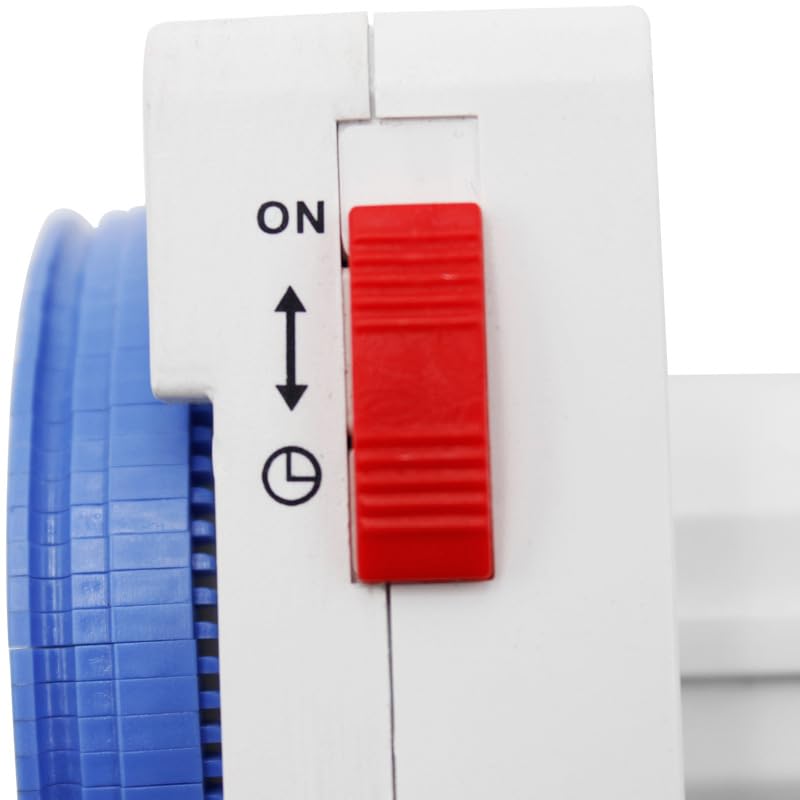
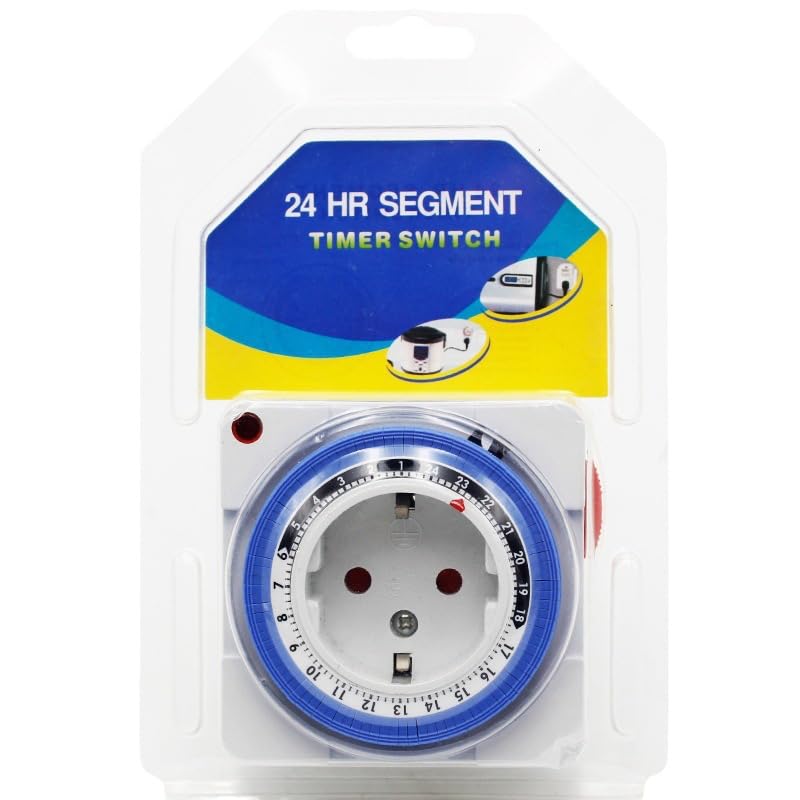
The no-frills classic: an analogue 24-hour Schuko timer with 15-minute segments and a manual override switch. Set it once a day, forget it.
Lamps, fan heaters, coffee machines, garden and Christmas lighting, and holiday security lighting. The 2-pack covers two jobs, the 3-pack adds a garden channel, the 4-pack runs a whole home.
You want app, voice or WiFi control, energy monitoring or an outdoor socket. None of the HappyGoo timers offers those - they are deliberately standalone and for indoor use.
ASIN B0GL1BYT93 · Sold with Amazon Prime delivery and returns
| Socket type | Schuko (Type F) plug + socket |
| Programming | 24-hour mechanical dial |
| Smallest step | 15 minutes |
| Max load | 16 A / 3680 W |
| Operation | Pins + manual override switch |
| Intended use | Indoor, dry rooms |
| Colour | White |
| Scope of delivery | 1 × mechanical timer socket |
Not every job needs a programmer. For a lamp, a pump or a heater that should simply run at the same time every day, a mechanical dial timer is the most robust solution there is - no menu, no battery, no firmware.
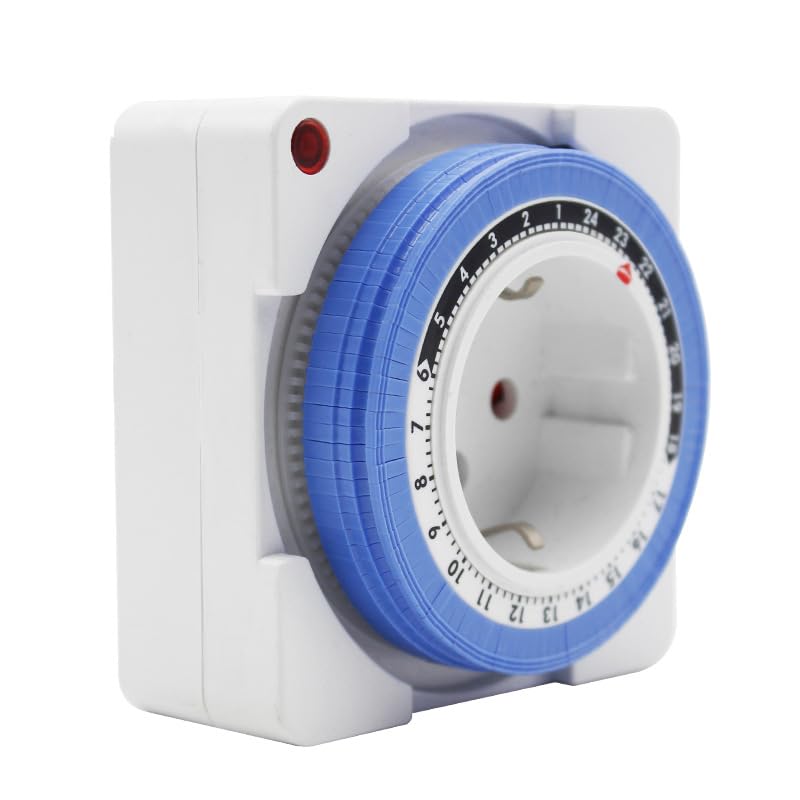
Push the pins for the times you want, turn the dial until the arrow matches the current time, and the timer repeats the schedule every 24 hours in 15-minute steps. The red manual switch toggles between timer operation and continuous power.
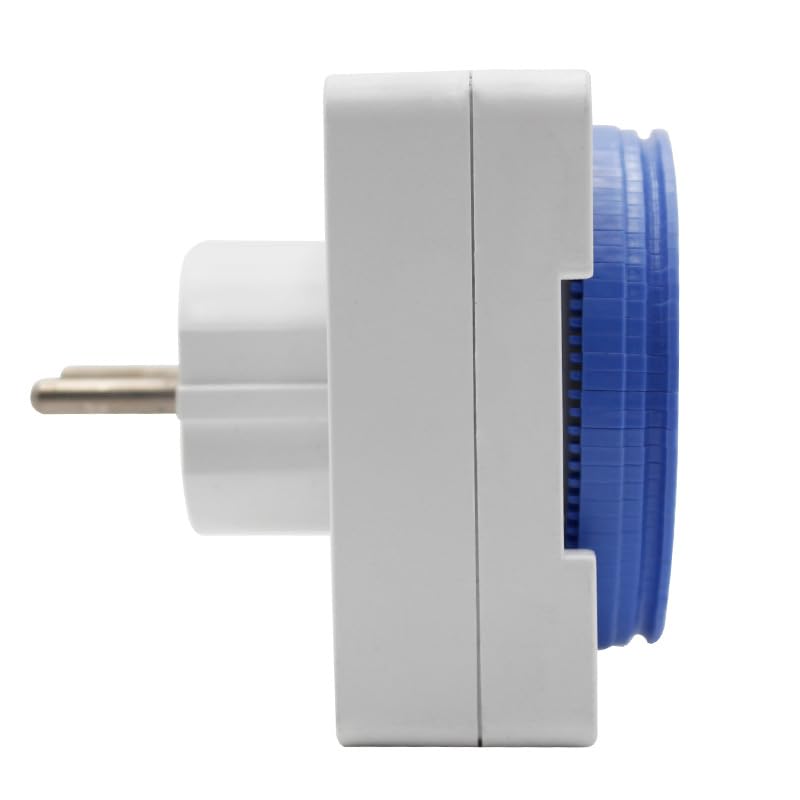
Rated for 16 A / 3680 W with a Schuko plug and socket, it handles common household appliances with ease. Designed for indoor use in dry rooms.
Three steps, no app required. The same procedure applies to every unit in the pack.
Put the timer into a Schuko (Type F) wall outlet and plug the appliance into the timer. Stay within the switching rating - 16 A / 3680 W on the mechanical model.
Use the German-labelled buttons to set the current time first, then add up to 10 on/off programs and choose the weekdays they apply to. The LCD shows each program as you enter it.
The cycle repeats weekly without further input. The button cell keeps clock and programs through a power cut, and the manual button overrides the schedule for the current cycle whenever you need it.
 Bestseller
German menu · 10 programs · 7-day / 24-h scheduling
View details →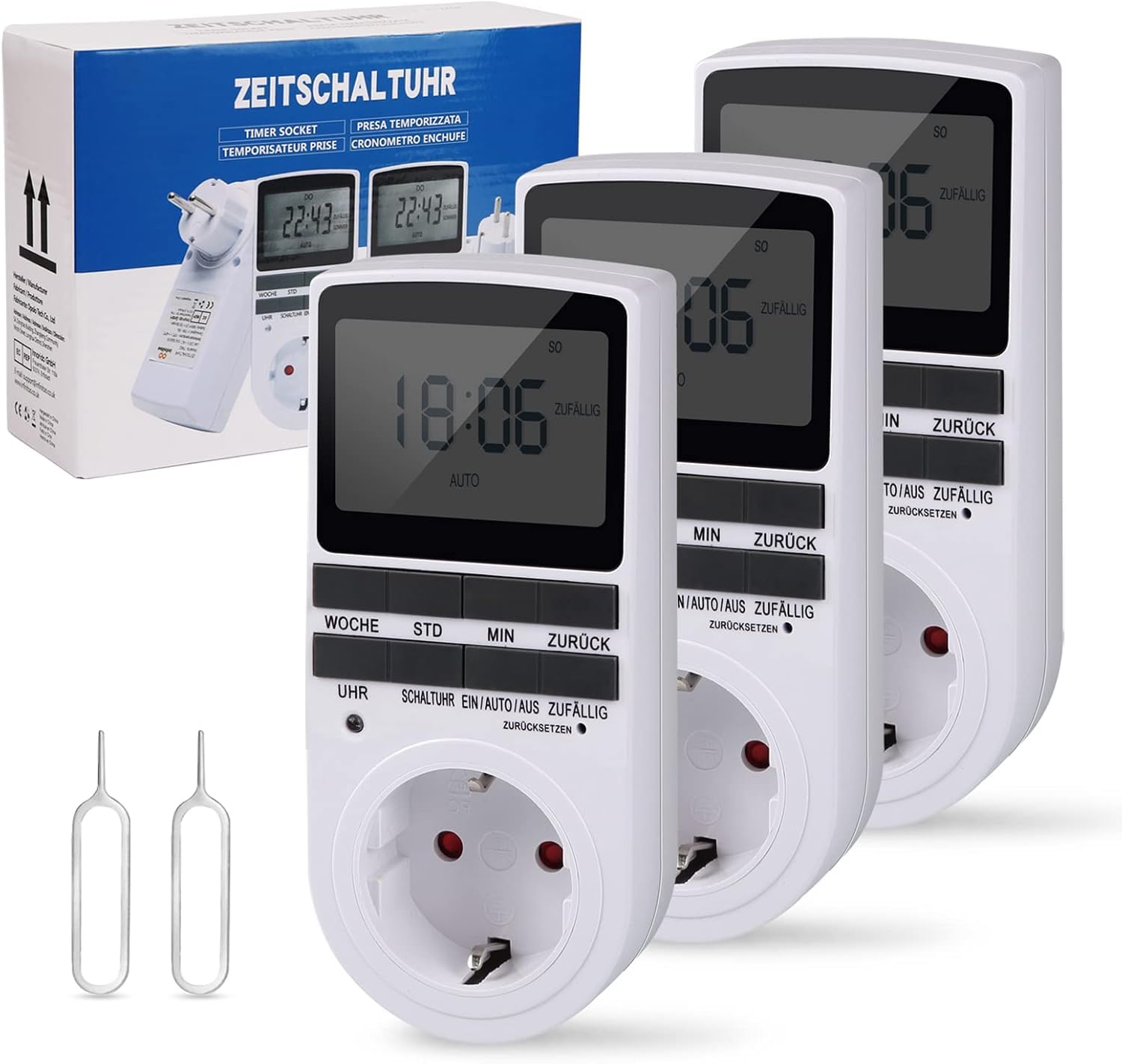
German menu · 10 programs · for kitchen, garden & living room
View details →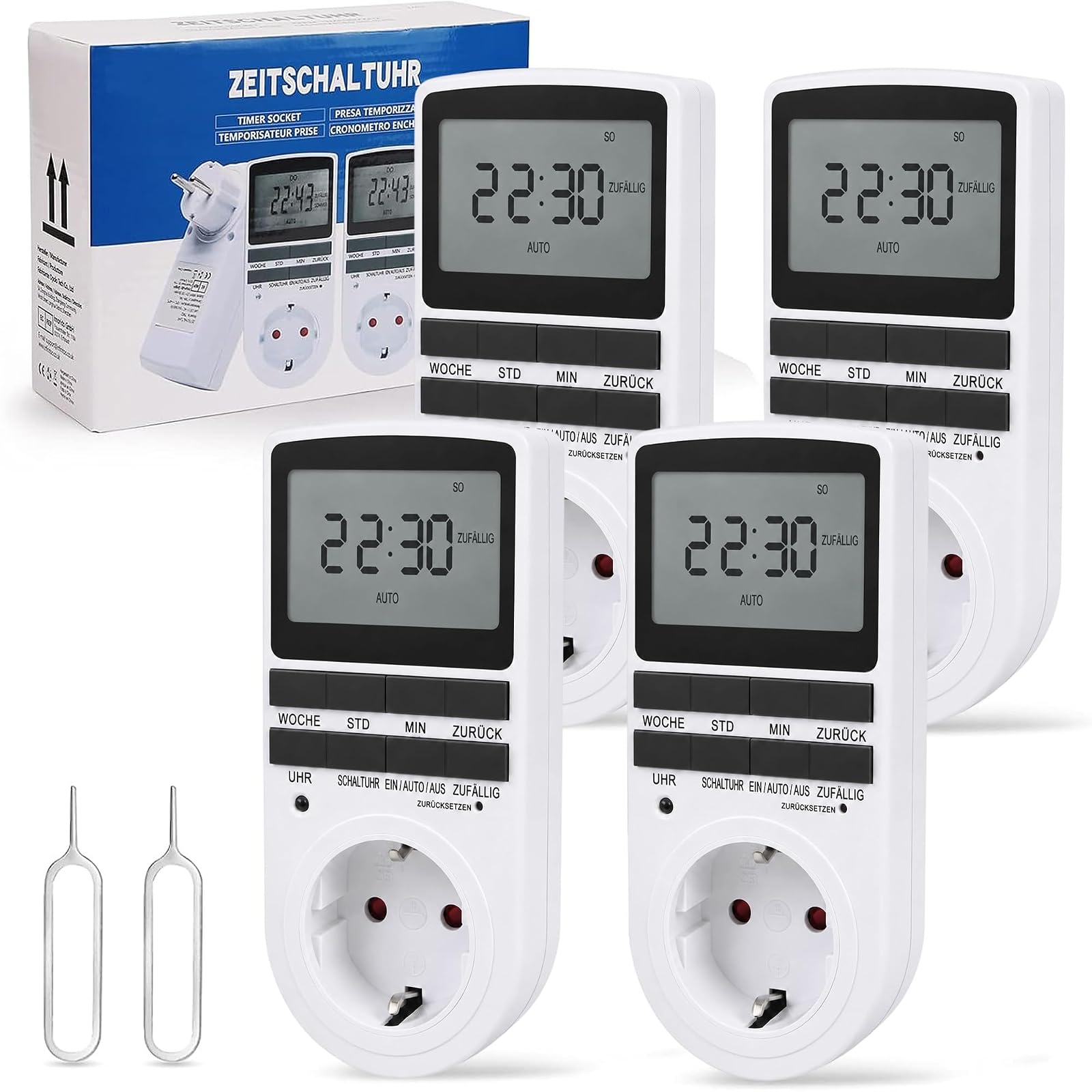 Family Set
German menu · large 5.7 cm LCD · whole-home set
View details →